Twitch Chat Emotes Wall
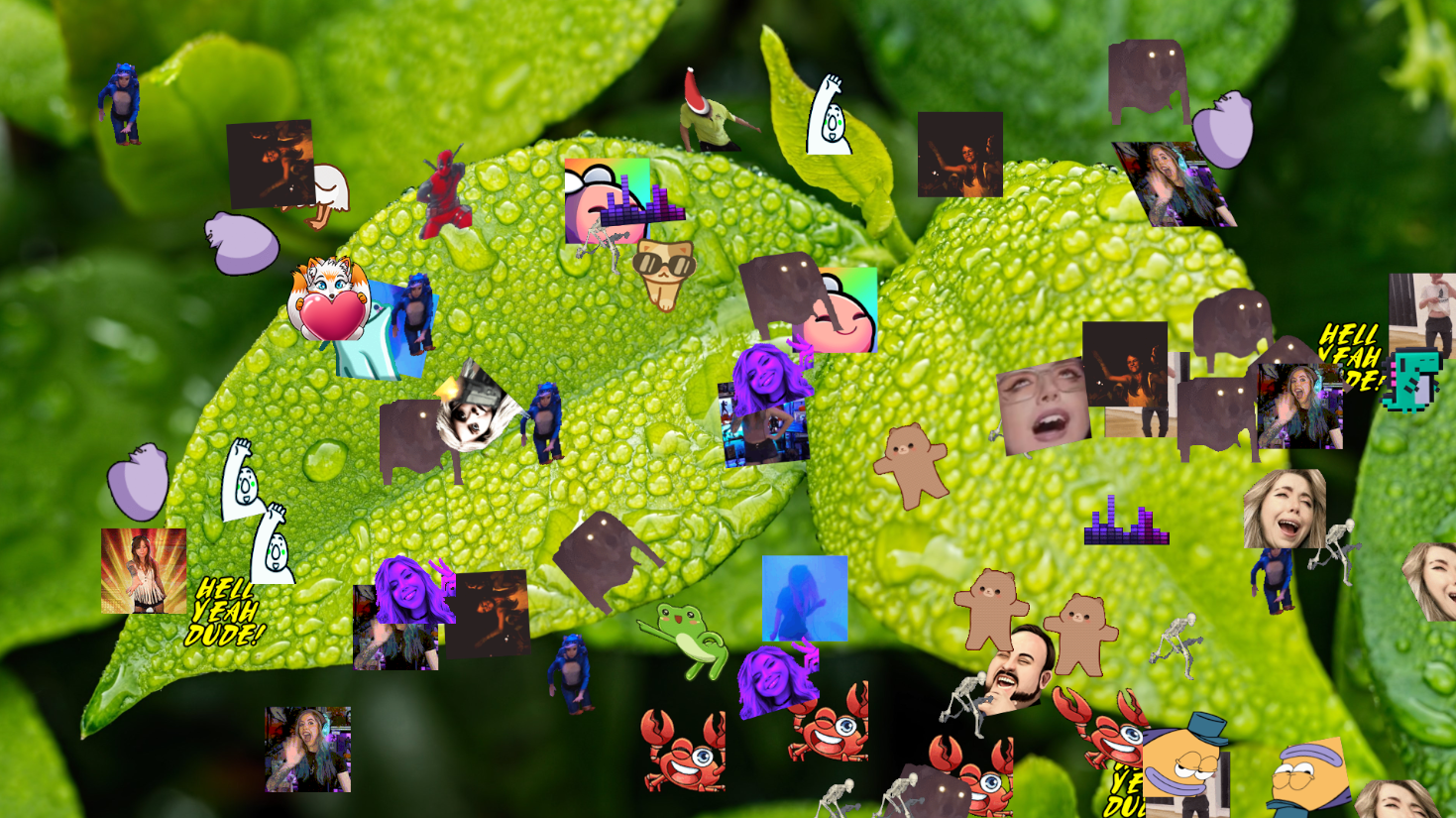
Displays emotes from your chat as animated overlays floating across your stream. Works with Twitch, BetterTTV, 7TV, and FrankerFacez. Choose effects like grow, rotate, skew, or float.
When to Use
- DJ or music streams — Emotes float across the screen while you play
- High-energy moments — Big plays, hype tains, donations, raid celebrations
- Visual filler — Keeps the screen alive during quiet stretches
- Bot-controlled emote shows — Filter to only show emotes from a specific bot or user
- Custom styling — Add drop shadows, grayscale, rainbow borders, or flip emotes via CSS. Adjust emote size, speed, randomize
Performance
Lightweight and optimized for OBS, with testing aimed at handling 1000+ emotes without heavy overhead.
Customization
Adjust animation speed, duration, size, effects, and layout behavior using URL parameters and custom CSS.
Plugin support
Works with native Twitch emotes as well as BetterTTV, SevenTV, and FrankerFacez libraries.
Features
- Third-party emote support for BetterTTV, SevenTV, and FrankerFacez
- Multiple animation effects: grow, rotate, skew, float, and random
- Custom emote speed, duration, and size controls
- Fish tank mode — emotes stay on screen
- No server required for basic use
Configuration
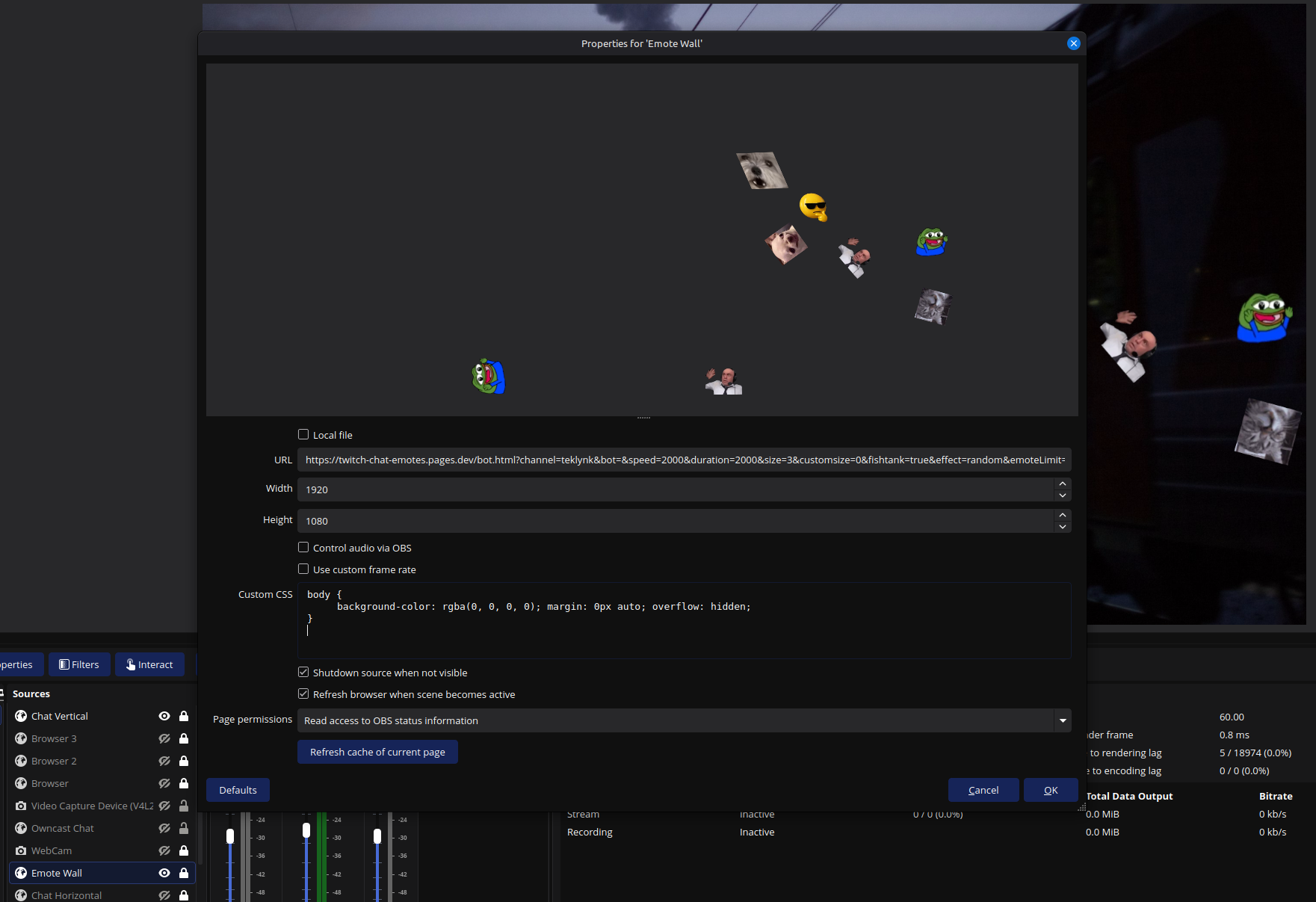
The overlay is configured with URL parameters such as channel, speed, duration, size, effect, bttv, 7tv, ffz, and emoteLimit.
?channel=MrStreamer&speed=5000&duration=15000&size=3&effect=grow&bttv=true&7tv=true&ffz=true
How to use it in OBS
Add a new Browser source in OBS, paste the generated URL. The tool is designed to run as a lightweight browser overlay without requiring a custom backend.
For smoother animation, avoid speeds below 5000ms and consider increasing the browser frame rate in OBS if needed.
Try Twitch Chat Emotes